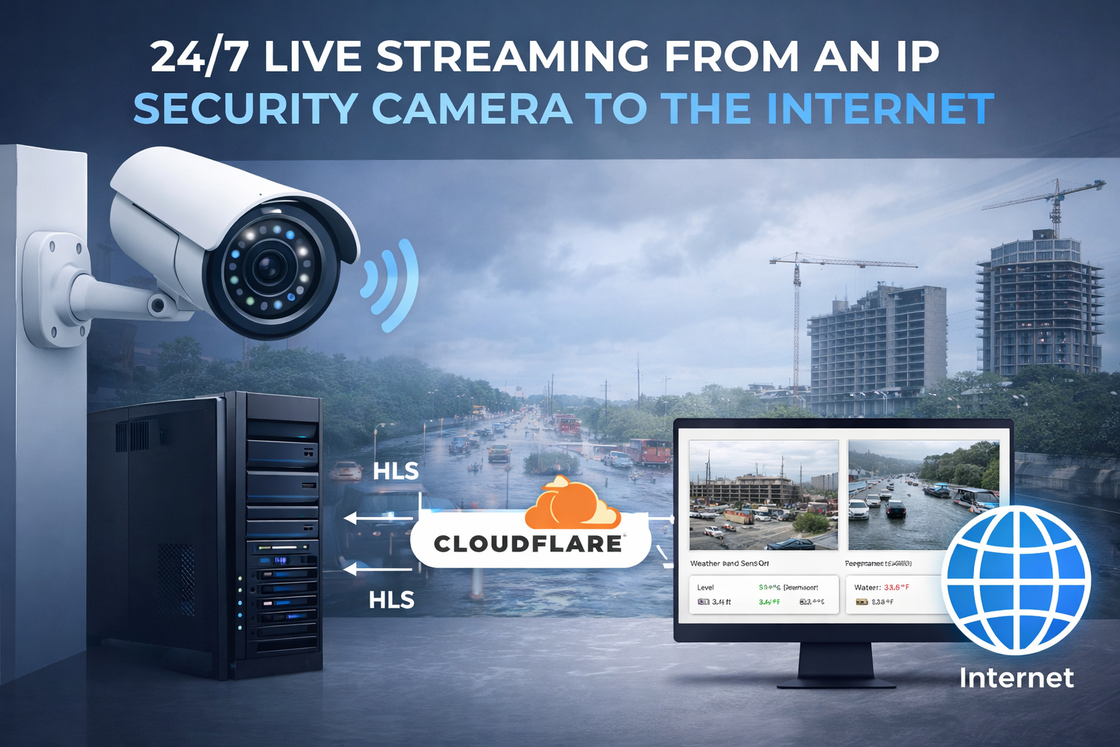
Live Streaming From an IP Security Camera
January 15, 2026A camera installed at your home, business, construction site, parking lot, or another location can be made available through a regular web page. Visitors simply open the website and watch the live video in their browser.
Where Can Live Camera Streaming Be Useful?
There are many situations where having a live camera available online can be useful:
Construction sites — allow property owners, customers, or investors to follow construction progress remotely.
Flood monitoring — let residents and drivers check current conditions in flood-prone areas.
Road and traffic conditions — provide a live view of traffic or weather conditions on a particular road.
Parking lots — let visitors check parking availability before they arrive.
Ski slopes, beaches, and parks — show current snow, weather, waves, or crowd conditions.
Events — broadcast weddings, sports events, ceremonies, religious services, and other activities.
Businesses and public locations — provide customers with a live view of a location or activity.
The same web page can also display information from sensors. For example, along with the camera image, visitors can see water level, temperature, humidity, wind speed, or other measurements in real time.
Temporary Live Streaming
If you only need a live stream for a few hours or for a single event, the solution can be very simple.
Video from a camera can be captured using software such as OBS Studio and streamed through YouTube Live, Facebook Live, or another streaming platform.
This works well for temporary events such as weddings, sports tournaments, presentations, or ceremonies.
Permanent 24/7 Camera Streaming
A permanent camera is a different type of project.
For applications such as flood monitoring, construction sites, traffic cameras, or public webcams, the system may need to operate 24 hours a day, 7 days a week with minimal maintenance.
In this case, relying on YouTube or another streaming platform may not always be the best solution. Accounts, streaming keys, sessions, and platform requirements can change. If something disconnects, manual intervention may sometimes be required to restore the stream.
For permanent installations, I can build a dedicated streaming system that operates independently of YouTube or Facebook.
How Does It Work?
The basic idea is simple.
Your IP camera sends video to a small local server. This can be a compact computer or, in some cases, an older PC that you already have.
The server converts the camera stream into a format that modern web browsers can display and publishes it on a website.
Most professional IP cameras provide more than one video stream. This allows the main high-quality stream to continue recording to your NVR or video management system, while a secondary stream is used for the website.
Your security camera system continues operating normally, while visitors get a separate live view through the Internet.
No Open Ports or Public IP Address Required
For Internet access, I can use Cloudflare Tunnel.
Instead of exposing the streaming server directly to the Internet, the server establishes a secure outbound connection to Cloudflare.
This provides several important advantages:
no public IP address is required;
no port forwarding is required on your router;
the streaming server does not need to be directly exposed to the Internet;
HTTPS encryption can be used;
Cloudflare can provide additional protection against malicious traffic and DDoS attacks.
For larger projects, caching can also help reduce the amount of traffic reaching the local server when multiple people are watching the same camera.
Camera + Sensors + Interactive Map
A project does not have to be limited to video.
Multiple cameras and sensors can be combined into a single website or monitoring dashboard.
For example, an interactive map can show camera locations. A visitor can select a location and see the live camera together with information such as:
Water Level • Temperature • Humidity • Weather Conditions • Other Sensor Data
This makes the same technology useful for much more than traditional video surveillance.
Need a Similar System?
I have hands-on experience building IP camera streaming and monitoring solutions.
Whether you need a simple live camera on your website or a more advanced system with multiple cameras, sensors, maps, and 24/7 monitoring, Yuri’s Services can design and implement a solution for your project.
If you have an idea for a live camera or monitoring system, contact us through the website and tell us what you would like to build.